Micro Environment Lab
Micro (5–8 devices)
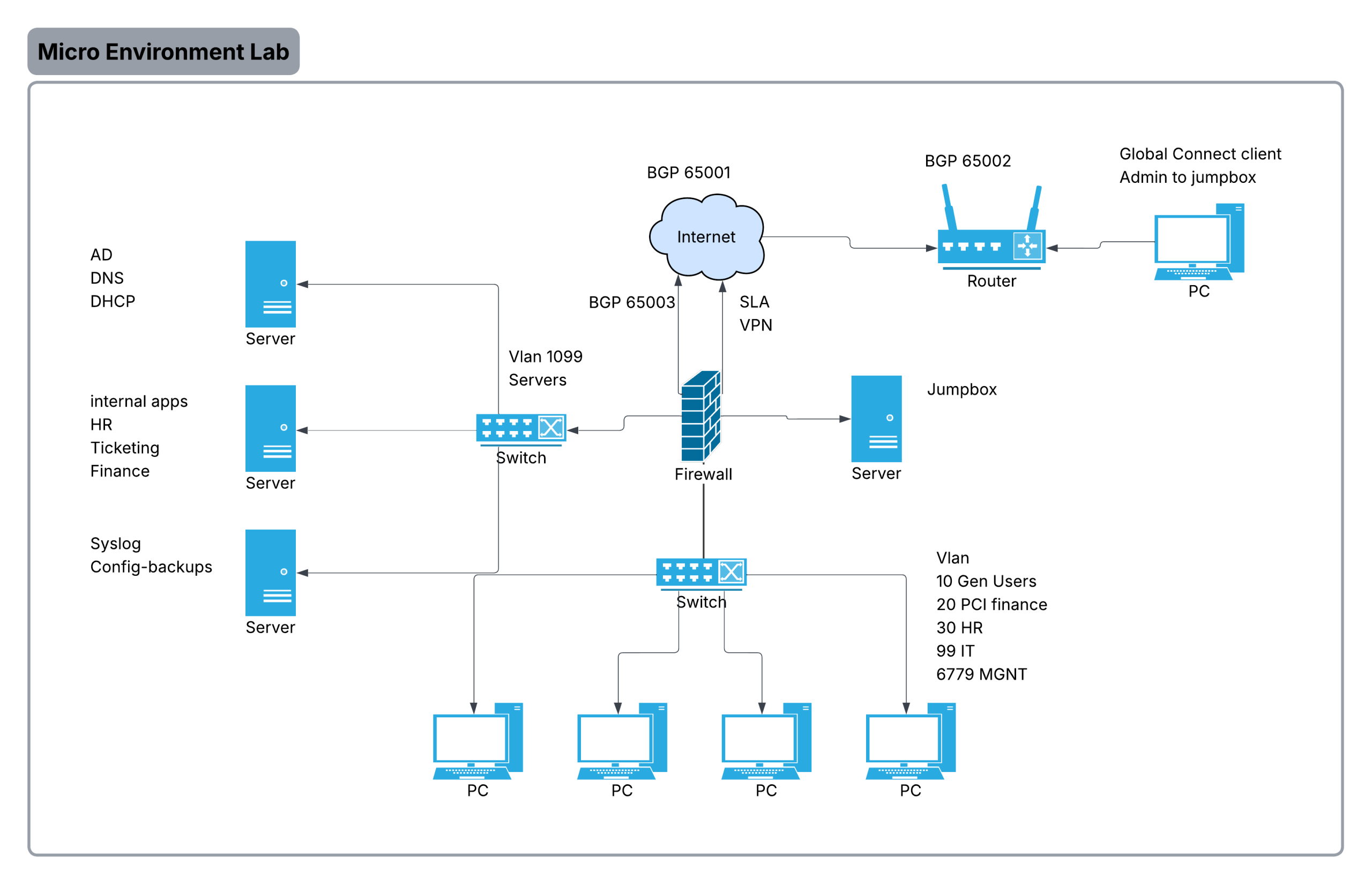
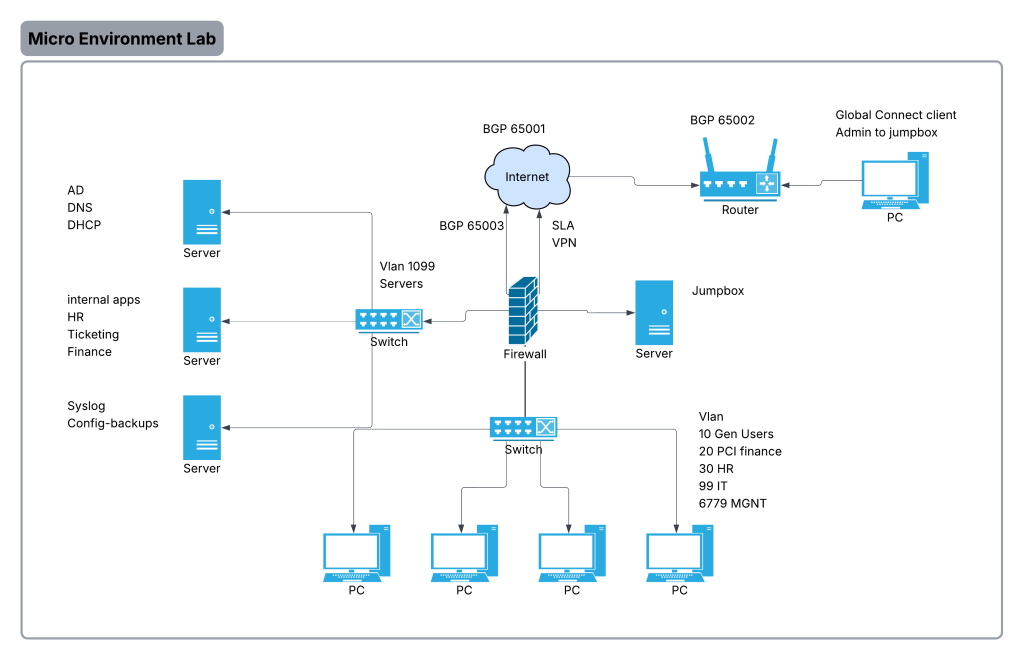
Image shows a very general idea of what the network will look like.
No answer key here, do it or you cant.
Device inventory (example 8 config devices (servers included))
- 1x NGFW (Fortinet / Palo Alto small / pfSense)
- WAN, NAT, VPN, basic segmentation (zones), URL filtering/IPS config as if it was licensed
- 2x L2 access switch (optional if the L3 switch is enough ports)
- 1x Windows Server (AD + DNS + DHCP)
- 2x Linux “Ops” (combined)
- Syslog, config backups (Oxidized)
- HR, IT, Finance applications
- 1x Jump box (can be the same Linux ops box if locked down; better separate if possible)
Define the target design (paper first)
- IP plan (RFC1918 ranges), VLAN list, subnet sizes
- Security zones and default policy (deny-by-default inter-VLAN)
- Logging/telemetry targets (what must be logged, where it lands, retention goal)
- Pretty much just plan everything out before you continue, or you can just wing it but make sure it makes sense.
Implement
Implement the following (its not in order on purpose, order it as you see fit)
keep in mind this is a networking lab, Windows server/linux config is not required, but is welcome if its your first time.
- Switches should have vlans as per the diagram
- port fast enabled on ports that need it
- firewall should provide per vlan routing
- firewall should be able to view decrypted traffic
- cert propagation not required
- firewall should have rules that secure traffic, and isolate vlans only to what they need, firewall should only allow users to access business sites
- firewall should be configured to do all NGFW features that we can do without cloud(go through the motions even if you dont have the license)
- use firewall to police what exactly they can do as per what their vlan requires
- hr to hr resources
- IT to IT resources
- all management interfaces should only be available if IT connects to the jumpbox
- vpn should to jumpbox should be available for IT admins working from home
- the internet runs on bgp make sure to set that up for the remote user, internet, and firewall
- firewall has redundant links make sure to have sla rules
- switch should have vtp/mst/ in case of another switch joins the network
- switch should have a EtherChannel to firewall
- syslog from all network devices should point to the syslog server
- the firewall should be running ospf only on all interfaces but not internet and toward users incase of a router being added
- Create and organize this as a checklist as if it was a change in a live enviroment
- join a fake bridge and act as the PM stating what your going to happen with check-ins everytime you complete a task on the meeting